prism-app
Release Notes - Week of February 25, 2026
LearnLens Studio
What’s New
Your learning progress stays with you — always
Notes you’ve unlocked are now saved even when you skip to quiz, jump between segments, or close and come back days later. Return to any completed segment and everything is right where you left it — including on courses built before this update.
A video player built for learning, not browsing
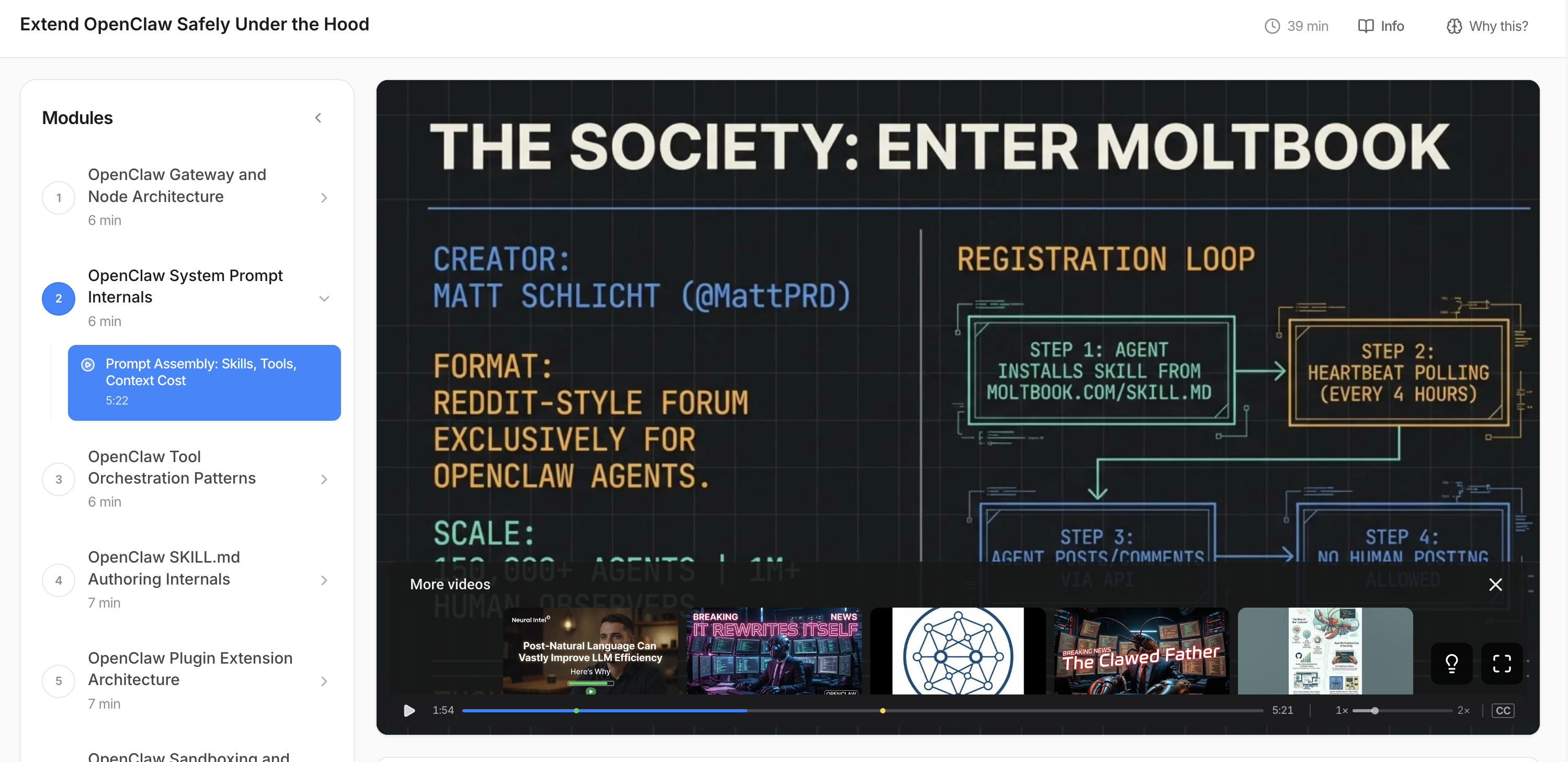
We replaced YouTube’s native controls with a focused custom player: play/pause, speed slider (0.75×–2×), drag-to-scrub progress bar with a live timestamp tooltip, and closed captions — all scoped to the segment you’re learning from.
Only high-density videos make it into your course
Every video now gets a depth score — a measure of actual knowledge per minute. It detects when a creator stretches 15 minutes of real content into a 60-minute walkthrough by tracking how much new, meaningful information is introduced over time. Shallow, padded content is filtered out before you ever see it.
Expert educators over influencer-style content
Search now actively steers toward expert educators and away from “follow along” and live-coding content, especially at beginner and intermediate levels. Quality thresholds are raised across the board — no learner at any level should receive shallow, readme-narration content.
Difficulty level now shapes your entire course
Your difficulty setting (beginner / intermediate / advanced) now drives concept framing, video selection, question depth, and pre-test starting level — not just a label. A new difficulty picker in course settings makes it easy to adjust, with smart defaults based on your profile.
Course thumbnails that look like your actual course
Thumbnails now use real YouTube frames from selected segments as references, producing accurate, photorealistic visuals instead of generic AI illustrations.