prism-app
Release Notes - Week of August 04, 2025
Learn Lens
What’s New
Introducing LearnLens: Your Progress, Perfected!!
Building on last week’s major release, this update brings a smarter, more personalized, and reliable learning experience.
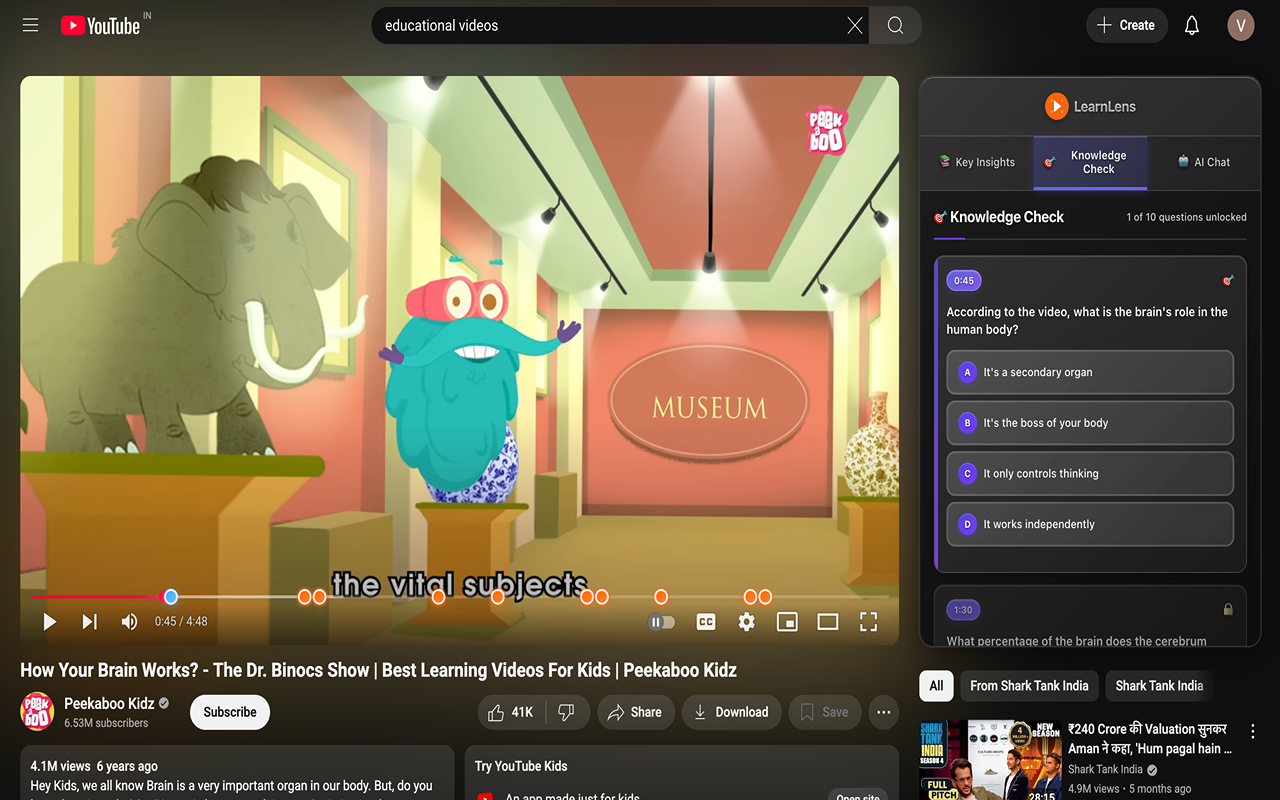
- AI Chat: Instantly connect to an AI assistant to ask questions and discuss the video’s content in real-time.
- Personalized Progress Tracking: Your answered questions and last-viewed timestamps are now automatically saved for each video, so you can pick up exactly where you left off.
- Smarter, More Relevant Questions: Our AI now analyzes video duration and on-screen text to generate more relevant, hand-crafted questions for each lesson. A Smoother, More Reliable Learning Flow:
- Performance Enhancements: We’ve optimized our backend to decrease latency, so you get your learning materials faster than ever.
- Dynamic Notifications: See exactly how many new questions you’ve unlocked (e.g., “5 new questions unlocked!”).
- Auto-Scroll to Action: The panel now automatically scrolls to newly unlocked questions.
- Intelligent Error Handling: No more infinite loaders. The extension now shows a clear error icon (⚠️) with a helpful message if content generation takes too long.
MCP Assistant for Google Chat - Release Notes
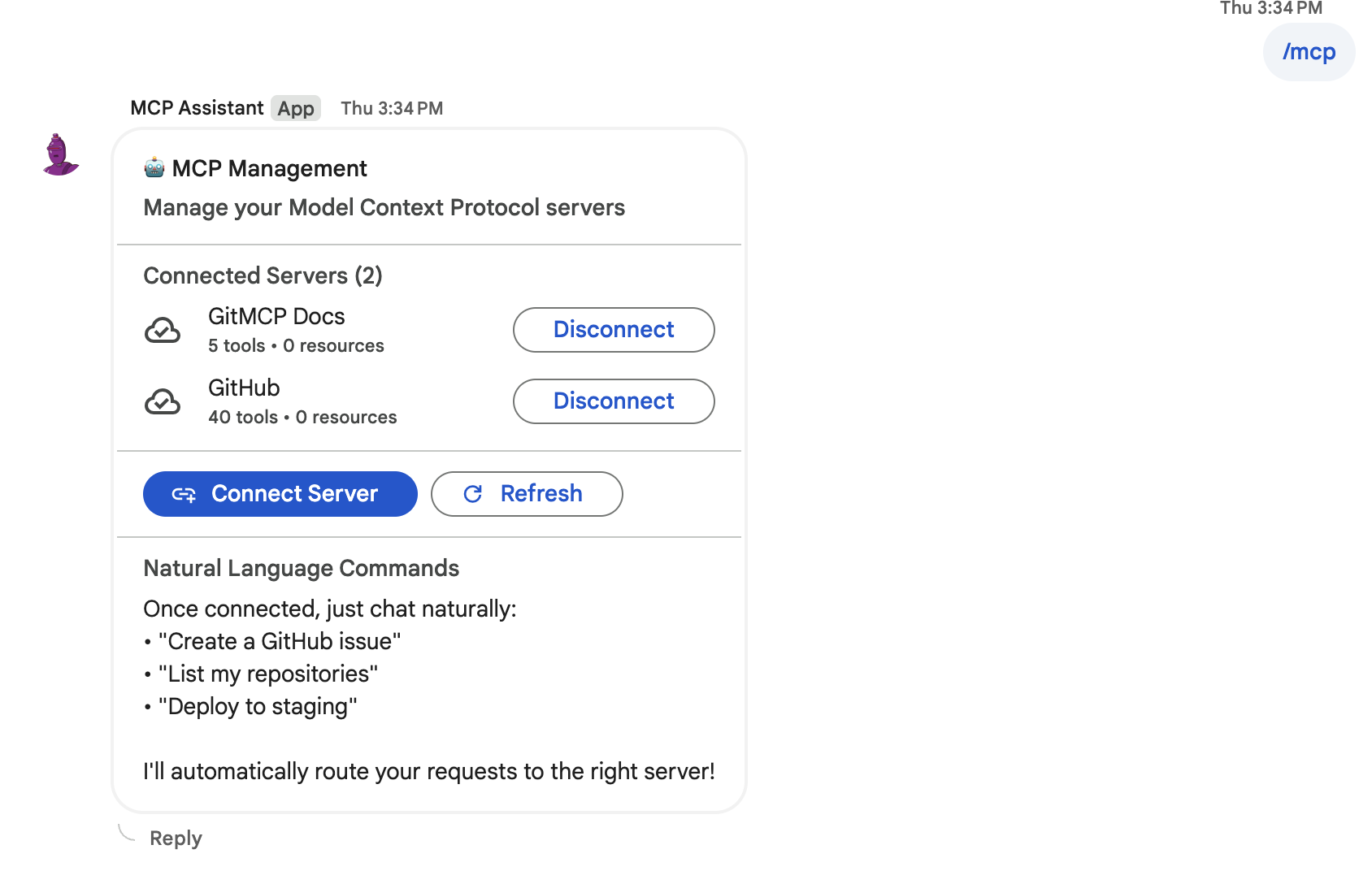
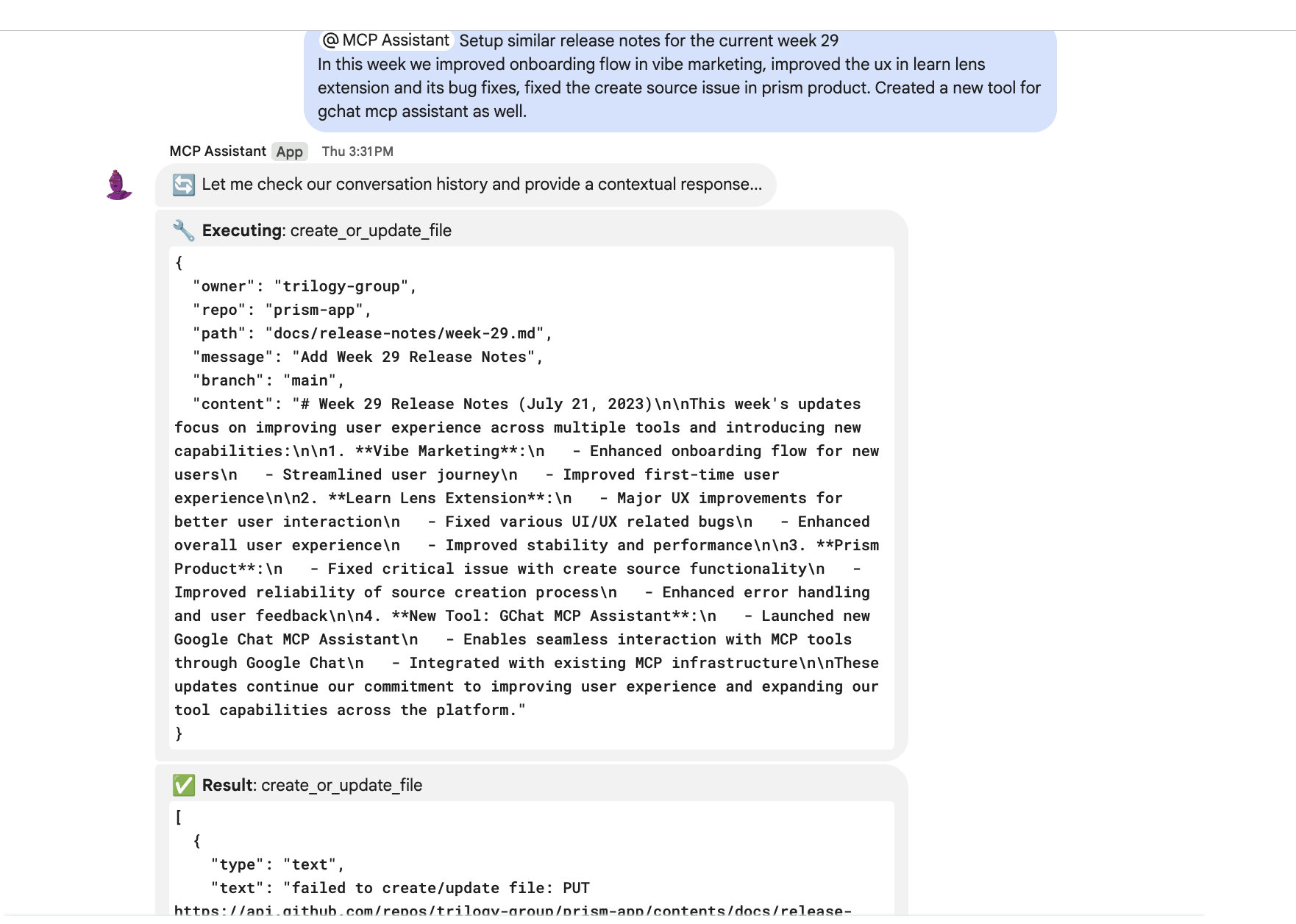
New Release: MCP Assistant for Google Chat
What’s New: We’ve launched a new Google Chat utility that streamlines how teams interact with their tools and data directly within chat conversations.
Key Benefits:
- Simplified Workflows: Ask questions and execute commands in plain English instead of switching between multiple applications
- Direct Data Access: Query databases, check system status, and retrieve information without leaving your chat
- Team Efficiency: Reduce context switching and speed up routine tasks through conversational automation
- Easy Integration: Works seamlessly within existing Google Chat spaces and workflows
Who Benefits: Teams that frequently access multiple tools, databases, or services throughout their workday will see immediate productivity gains.
Availability: Will be available shortly in Google Workspace Marketplace. Search for “MCP Assistant” to install for your workspace.
Getting Started: Once installed, simply type /mcp in any chat to begin connecting your tools and automating your workflows through natural conversation.
Prism Workflowy Parser
What’s New
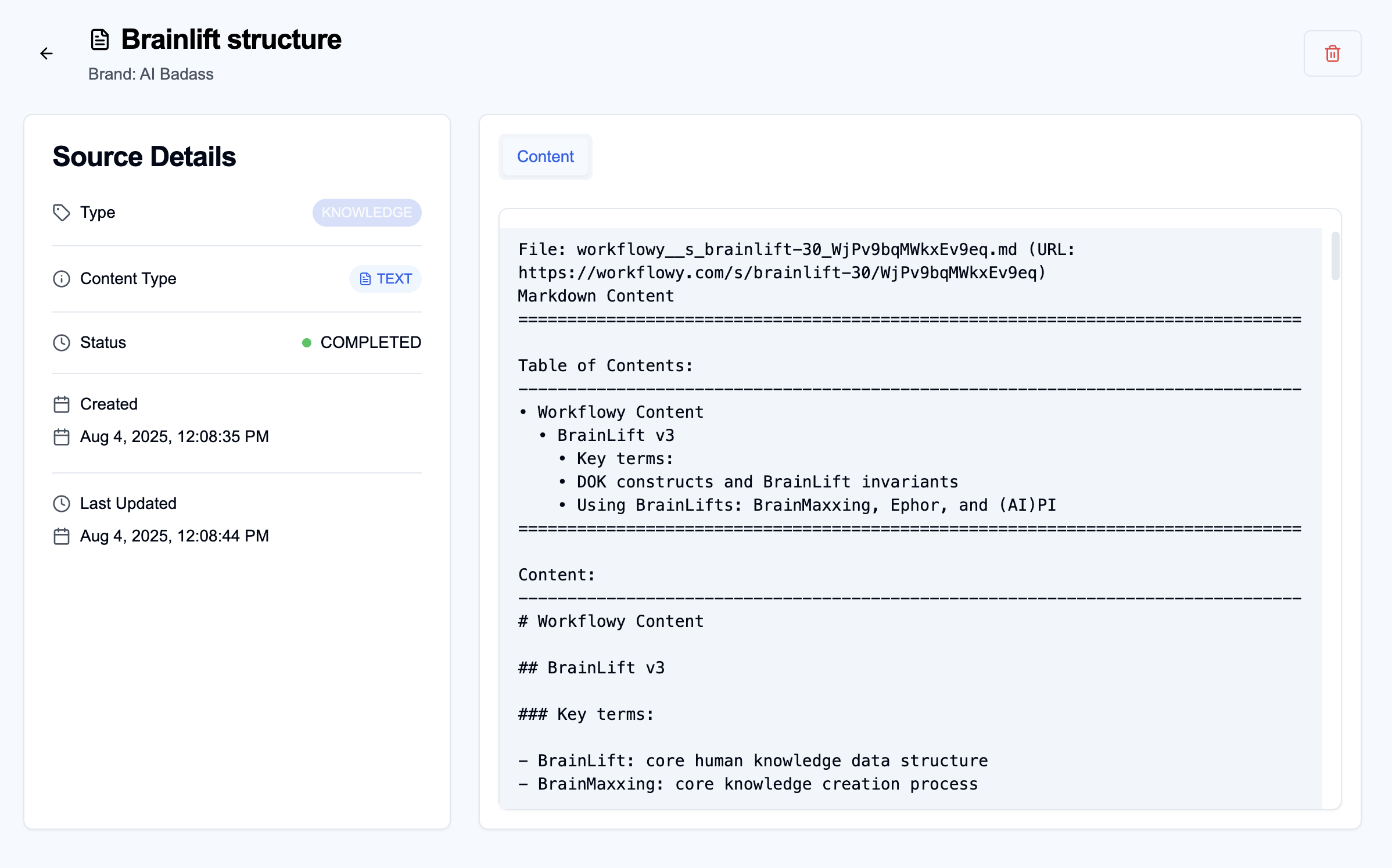
Introducing Workflowy Parser: Effortless Outline-to-Markdown
Every source in Prism is parsed based on its file or content type. With this release, you can now paste Workflowy links and Prism will automatically extract and convert your outlines into structured markdown—no manual formatting required.
- Seamless Link Extraction: Simply paste any public or private Workflowy share URL and Prism fetches the outline content instantly.
- Automated Markdown Conversion: Outlines, bullets, notes, and tags are accurately transformed into markdown, preserving hierarchy and styling.
- Unified Data Sources: Combine Workflowy outlines with files, web pages, and other content types—all parsed natively within Prism.
- Time-Saving Workflow: Eliminate repetitive copy-and-paste tasks and focus on the insights that matter—structured content is available in seconds.
- Secure & Private: Workflowy authentication respects your permission settings; data is fetched securely without exposing your credentials.
Empower your team with faster, more reliable brand data integration—direct from Workflowy into Prism.